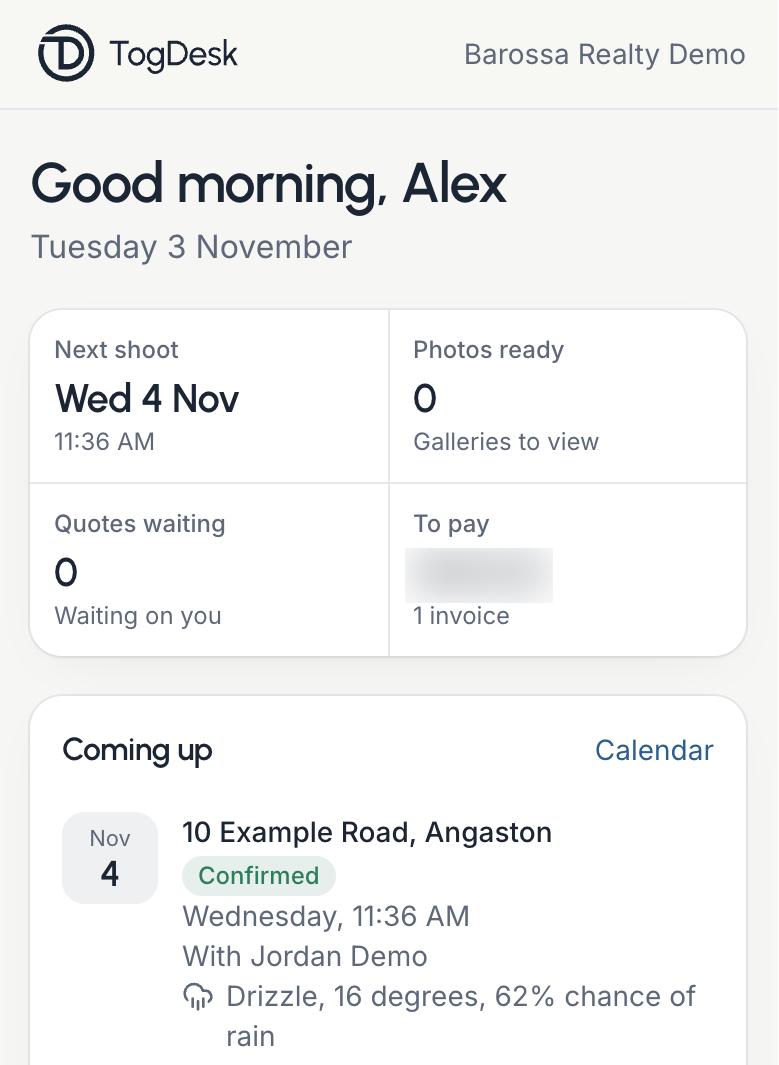
Book a shoot
Choose the services and a time.
Bookings are made through your account, so your details are filled in. Once your account is approved, you see your rates and the total as you choose.
Choose
Enter the property address and any access notes, such as a lockbox code, a vendor at home or pets. Choose the services, then a day and a start time. If nothing suits, ask for a flexible time.
Twilight
Add twilight and the booking shows the time for that evening, timed to sunset at the property. Only days with a sunset time available are offered.
Confirm
Every booking is a request your photographer confirms, and the time you choose is held until then. The confirmation comes with a calendar invitation. If another time is suggested, you can accept it from a private link.
Listing not ready yet?
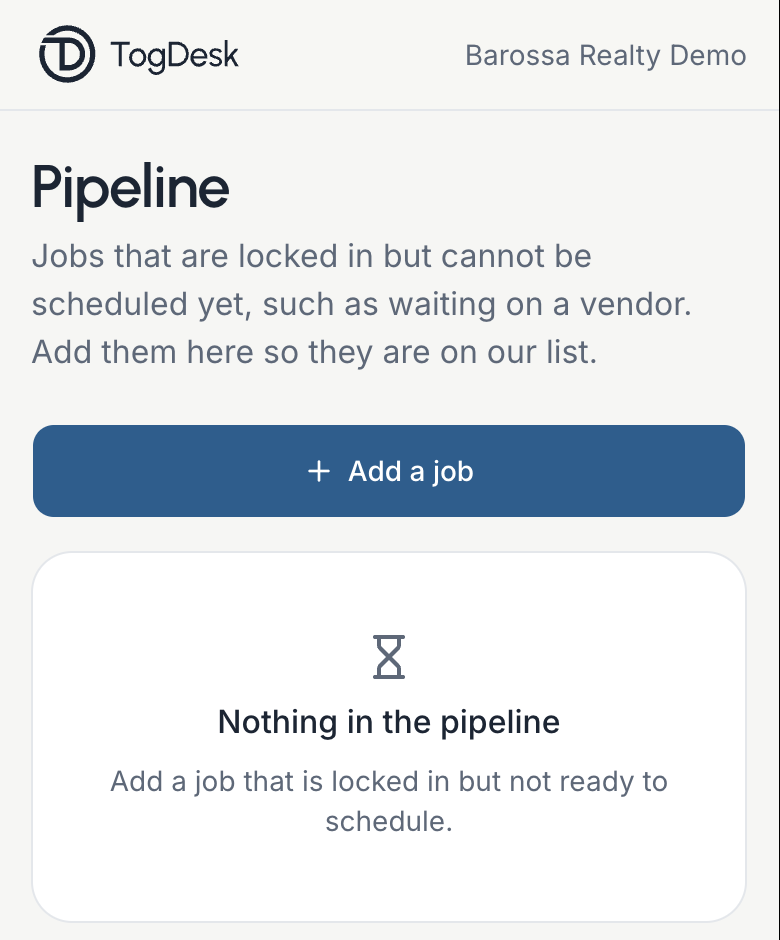
Agencies can add a job to the Pipeline when it is locked in but waiting on a vendor, builder or stylist, then mark it ready to schedule. You can also attach a floor plan or brief to a booking.
Follow a job
See where each listing is up to.
Every job, past and upcoming, is under Projects. You can search by address or agent.
- A job shows its progress, from Requested to Delivered.
- It also shows the time, the address, your access notes and what was booked.
- A weather forecast appears from about seven days before the shoot.
- Add a floor plan, brief or site plan to a job.
- Your booked shoots are also on a calendar.

What you receive
Ready to download, named by address.
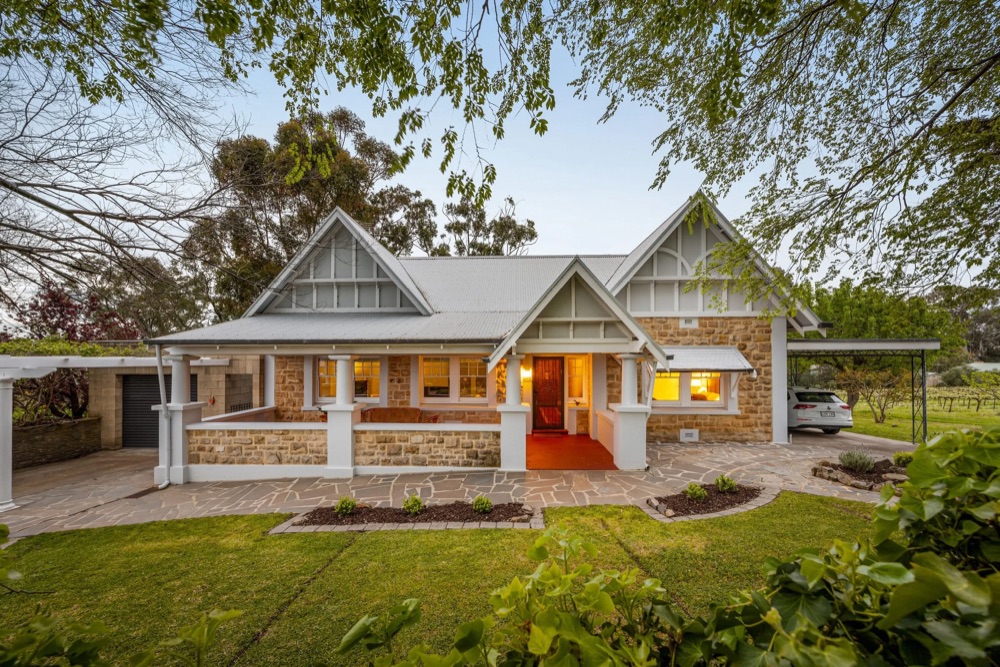
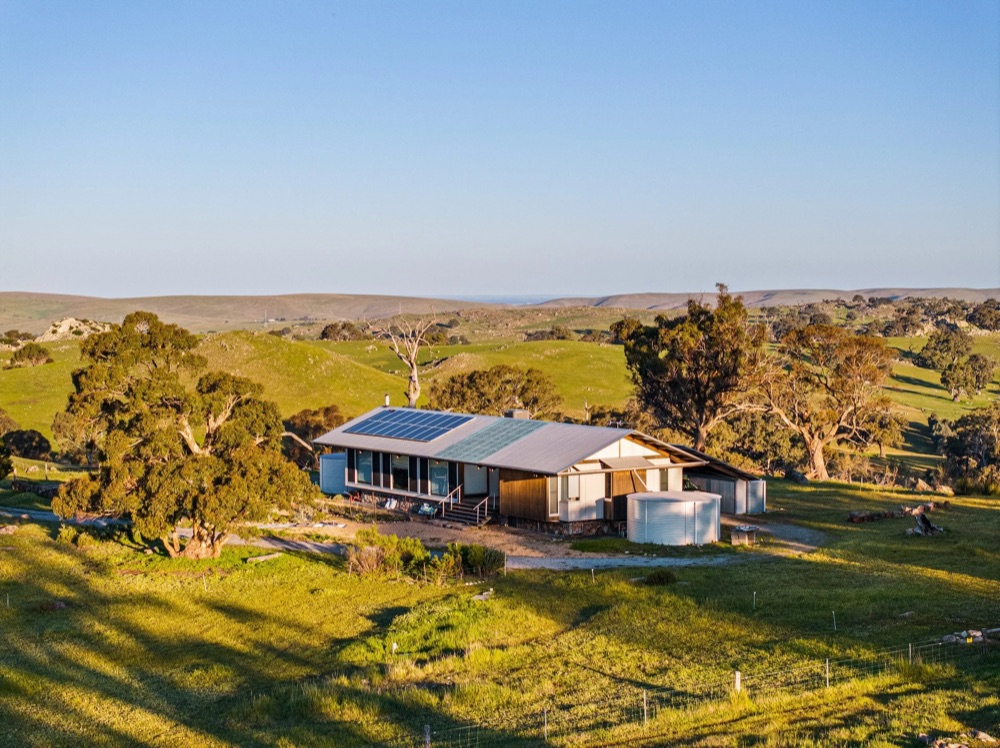
When your photos are ready you get an email with a private link to the gallery, and the job links to it as well.
Photos
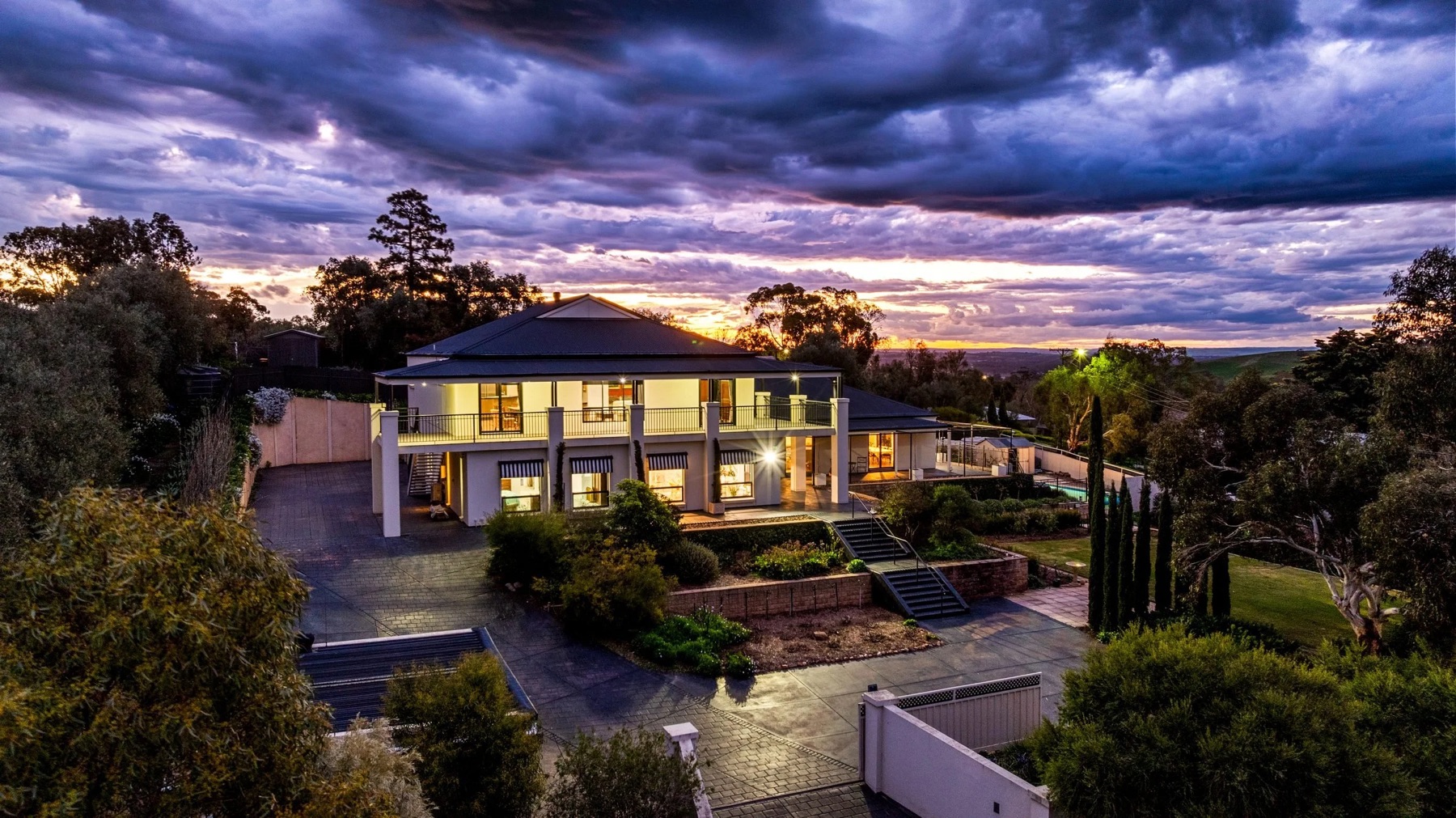
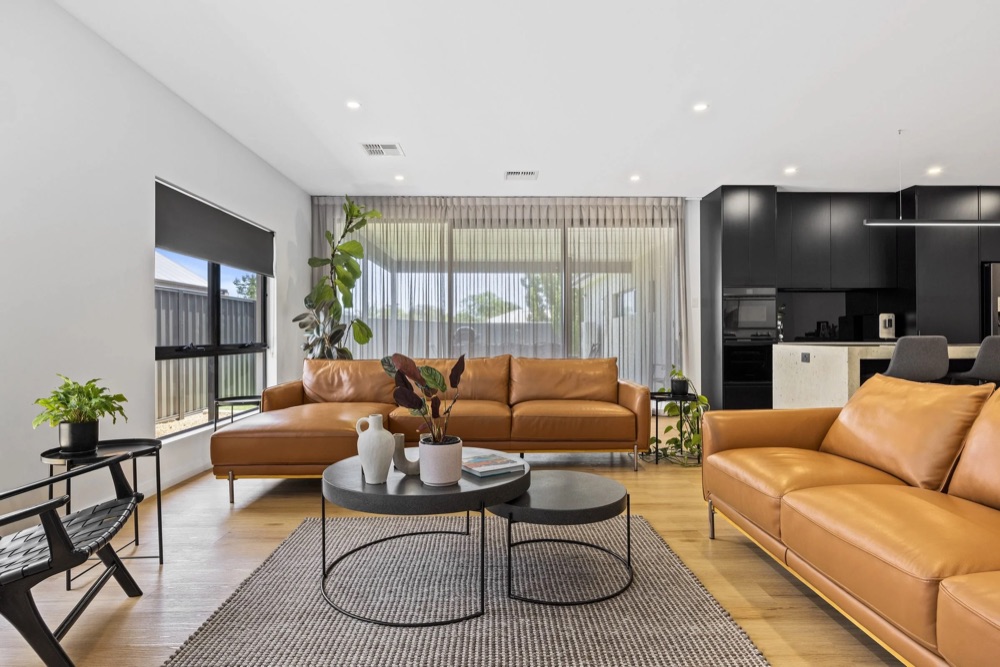
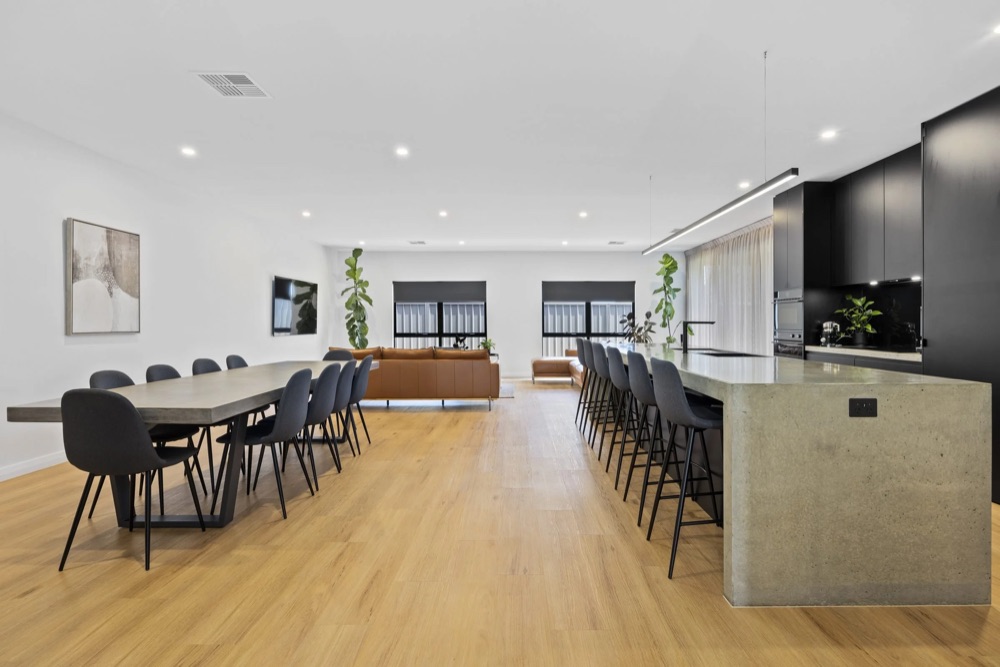
Download one photo or all of them as a ZIP, straight away. Files are named by address, such as 10 Example Road Angaston-01.jpg, so they stay in order in your folder.
Watermarked copies
Download your photos and files with your agency's logo in one click. Clean copies sit beside them, marked -2 after the address.Not yet seen on a real gallery
Floor plans and video
Finished floor plans sit in their own set in the gallery. Property video plays on the job and in the gallery, from a YouTube link.
Changes and messages
Something to fix? Say so on the photo.
In a delivered gallery, press Request a change and leave a note on a photo or on the whole gallery.
- You can see where each note is up to, and you are emailed when the changes are done.
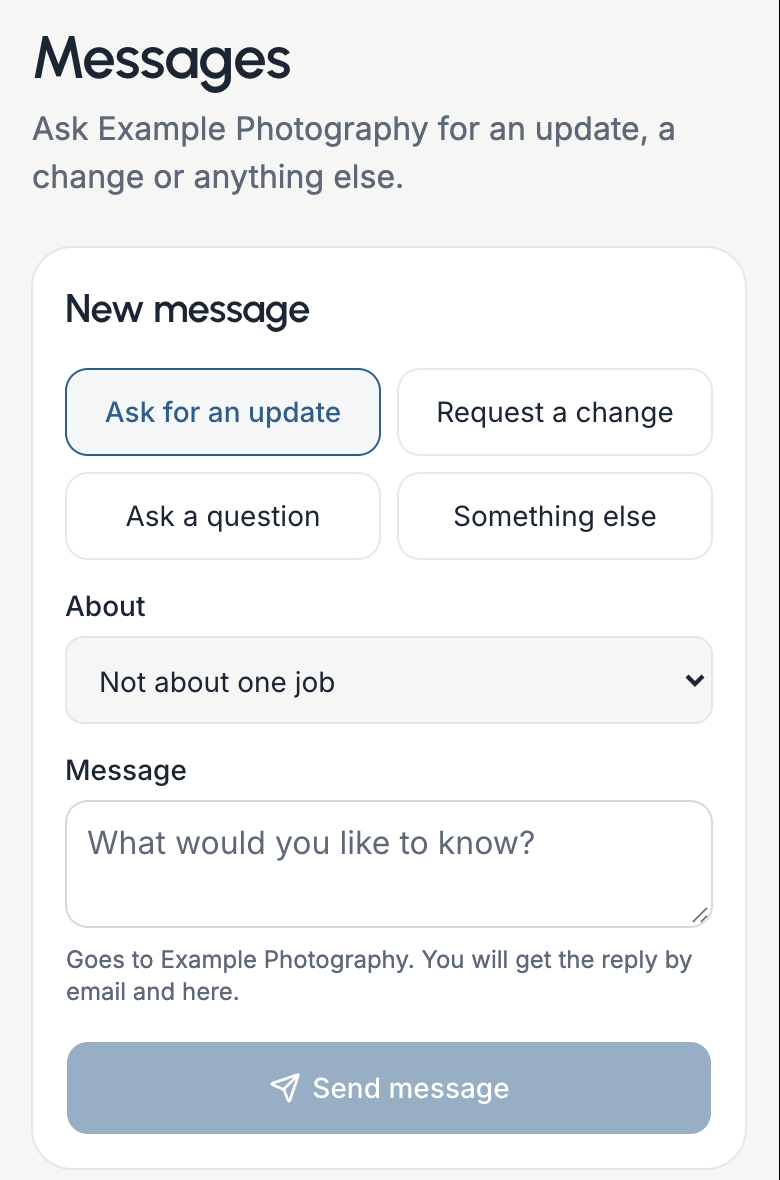
- For anything else, Messages lets you ask for an update, change a booking or ask a question.
- Each job has its own Message about this job button.
- Replies appear in TogDesk and arrive by email.
Your account and agency
Sign in with your email. No password.
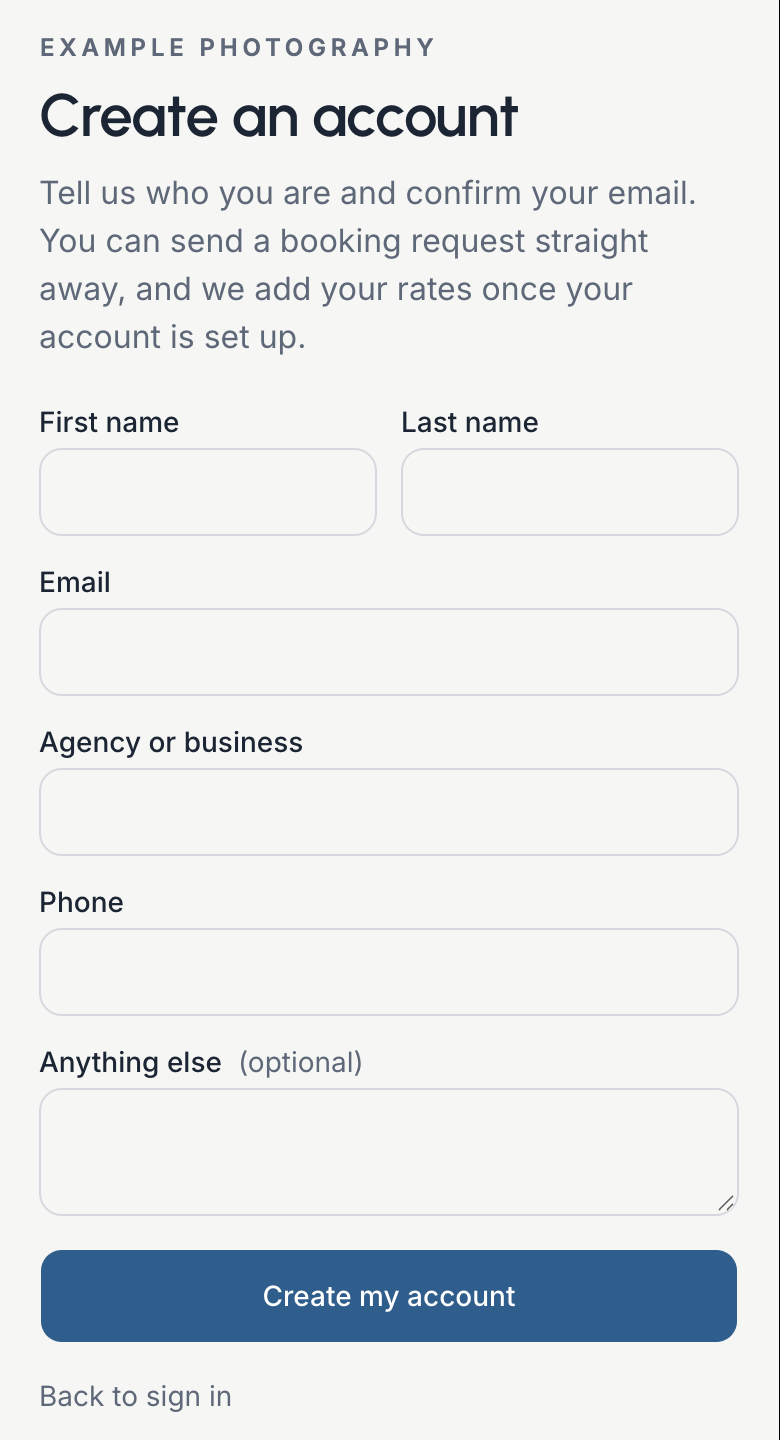
Type your email address and a sign-in link arrives. New here? Create an account and confirm your email.
- You can send a booking request as soon as your email is confirmed.
- Your rates and services in one place, ready to view once your account is set up.
- Agents see their own jobs and any they are added to.
- Agency managers see all of the agency's jobs, invite their team and upload the agency's logos and watermarks.
Invoicing, made simple
Invoicing follows the job, so when the work is done it goes straight to your accounts team. Agency managers and accounts people see what is to pay, overdue and paid in one dashboard.
Commercial projects
Wineries, businesses and brands, quoted to the brief.
Commercial work runs beside real estate in the same portal. It starts with a quote rather than a booking, and each project has its own page.
Request a quote
Tell us what you need, where and roughly when. The quote comes back with the options set out, ready to accept and sign online.
A page for the project
The brief, mood board, shot list and files sit on one private page. Invite colleagues with their own link, no account or password needed.
Review online
Watch a video draft, pause and leave a note at that moment, then send your notes or approve. Galleries can be kept behind a password.
Help and your phone
Short guides, and an app on your phone.
Add TogDesk to your home screen and it opens like any other app.
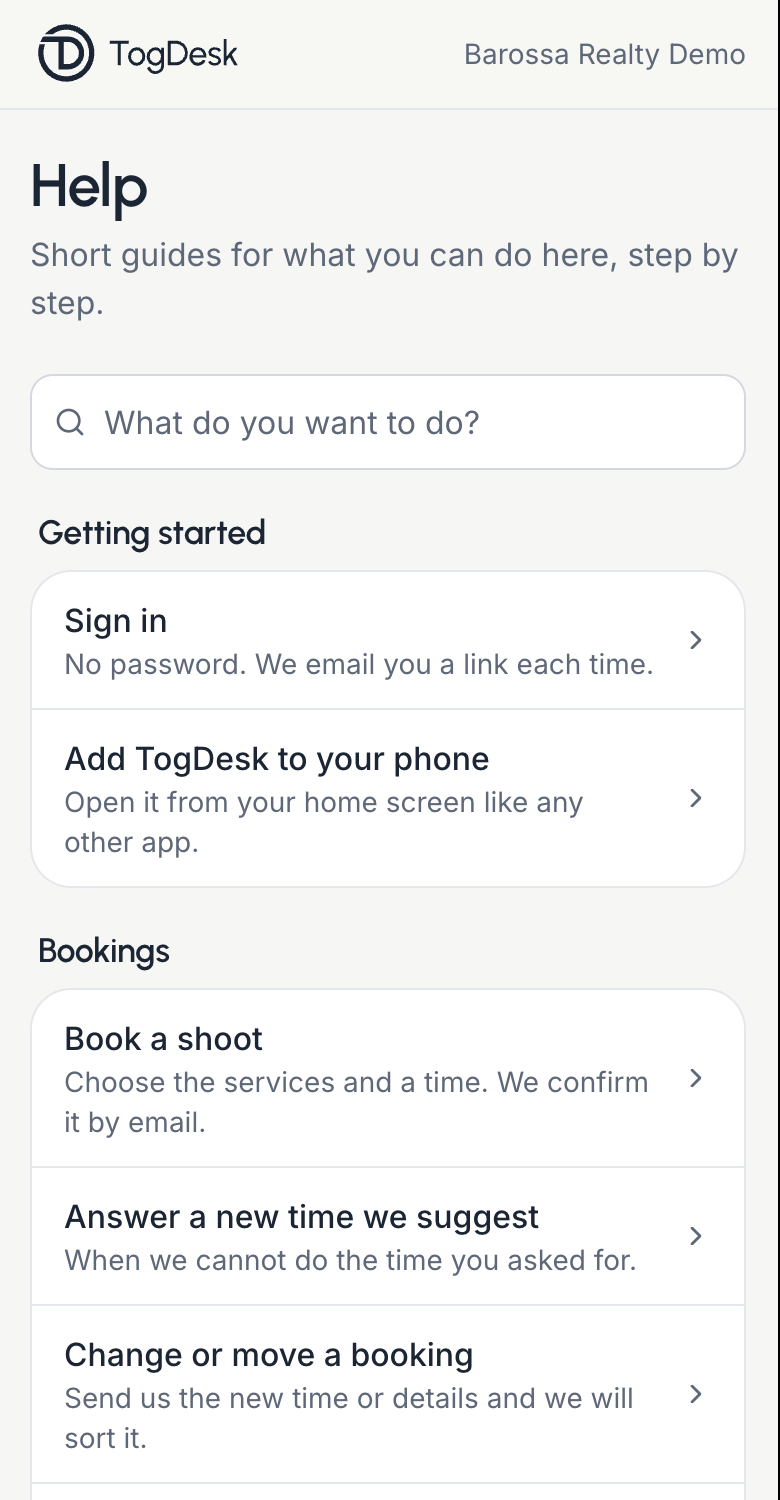
- Help has short, numbered guides for what you can do, with a search.
- Help also lets you report a problem with TogDesk or ask for a feature.
- On a phone, Home, Projects, Calendar and Messages sit in a bar at the bottom.
Built inside a working photography business.
TogDesk was built by a working photography business that wanted more than the basics. It runs real estate from booking to delivery, and a full commercial workflow beside it: retainer clients, project briefs and online proofing.
Your account
Sign in Create an accountTrouble with TogDesk
support@togdesk.comAbout a listing or a delivery, message your photographer from your portal, or use the contact options there.